
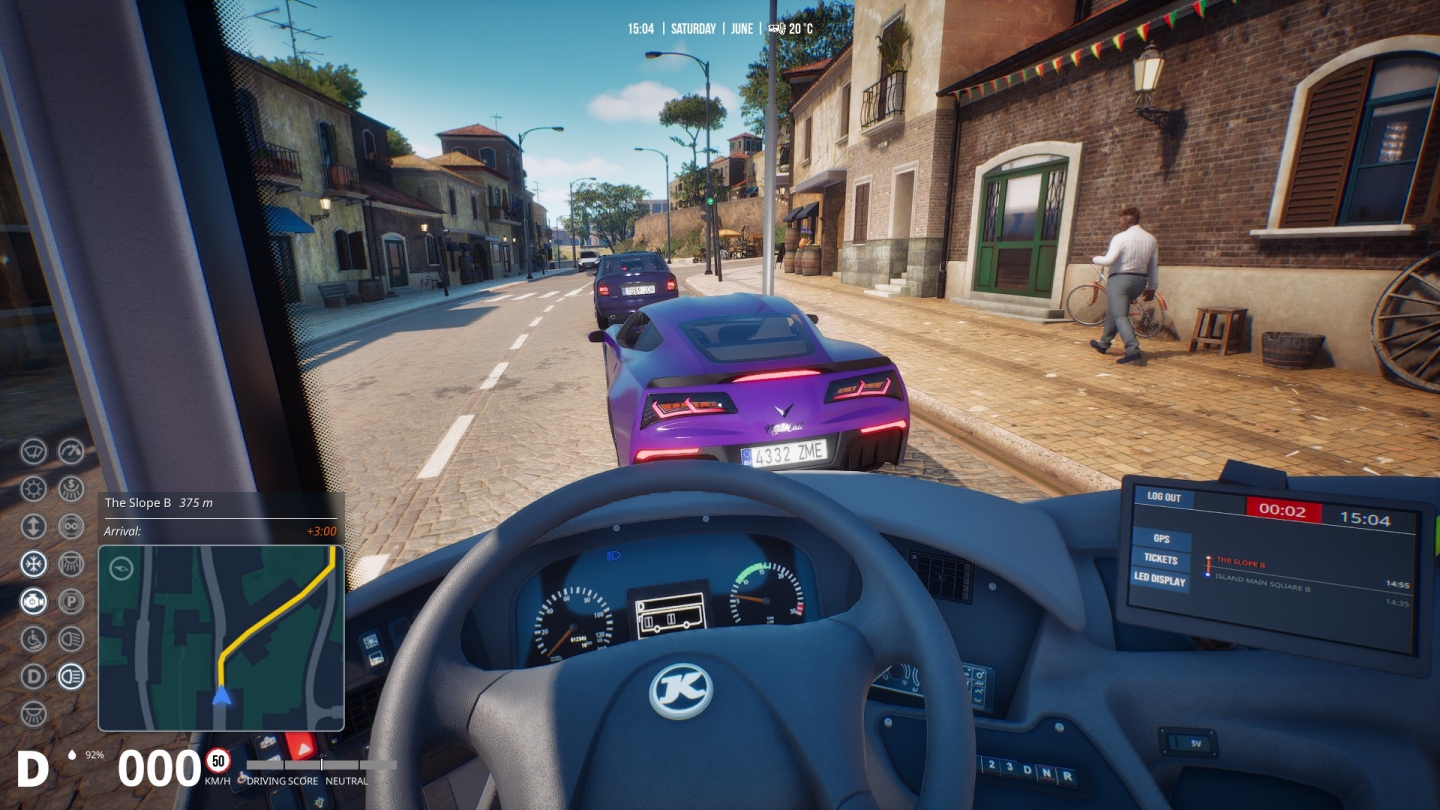
Corner Confessions is for sharing guilty gaming secrets. Secrets like… I yearn for the days when graphics options screens consisted of nothing but a resolution selection, and a detail slider with three choices: low, medium, and high.

Dynamic global illumination, post-processing, upscaling method, FSR quality, AMD FSD frame generation, AMD FSR anti-lag technology, NVIDIA Reflex Low Latency, Panini projection intensity… even if a dev has been thoughtful enough to provide explanations of every arcane instrument on their list, the prospect of spending an hour speculatively tinkering with them in the vain hope of achieving the perfect balance between speed and spectacle, really doesn’t appeal.
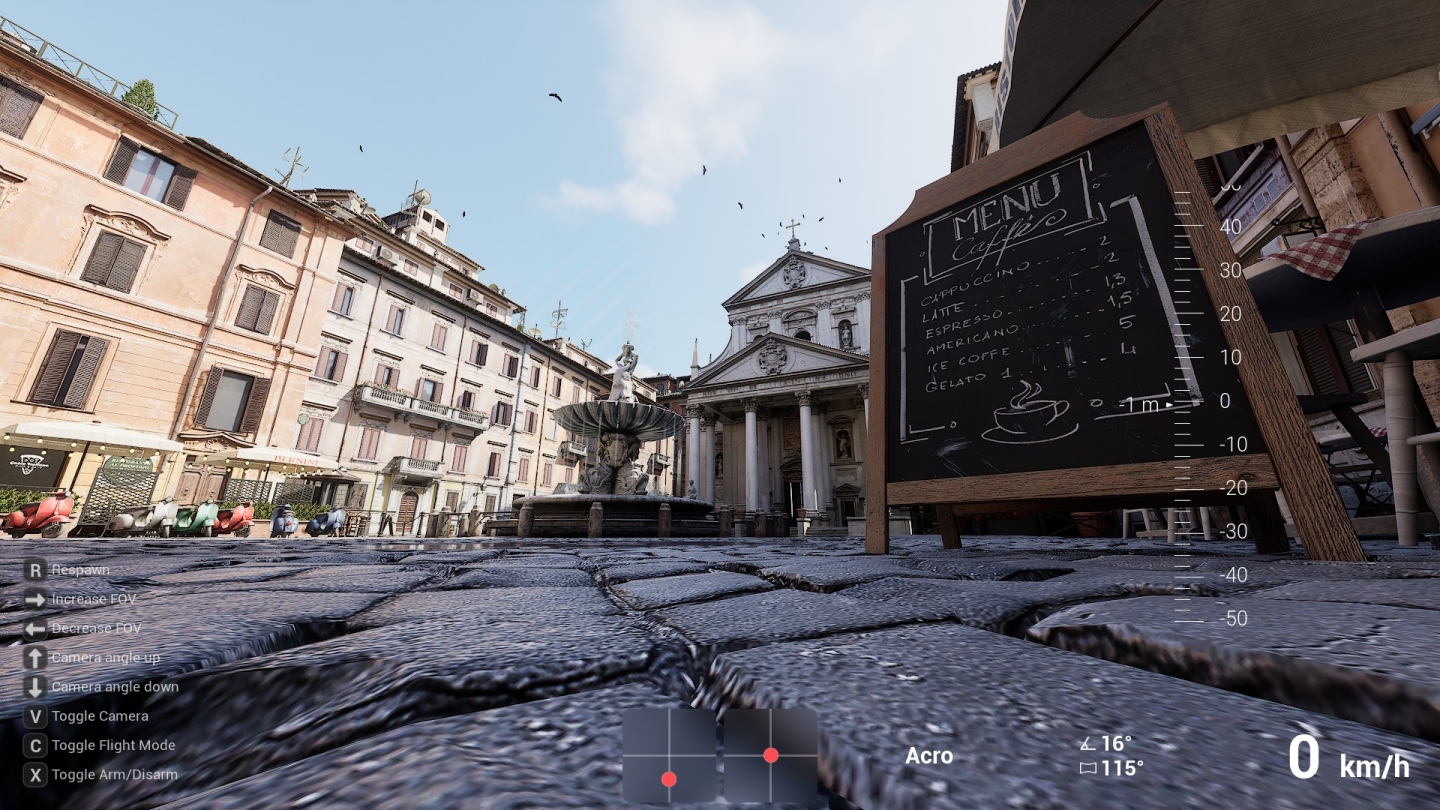
Remember those 3D preview windows that used to accompany graphics setting screens? What happened to those? Nowadays, the form seems to be…
1. Take a mental or actual screenshot of the current in-game view.
2. Go into settings and move a lever or two.
3. Sigh deeply on being informed a game restart is required.
4. Restart.
5. Ponder the new-look vista, wondering if it’s A) superior to the previous one, and/or B) less taxing on your hardware.
6. Return to 1 and repeat the process.
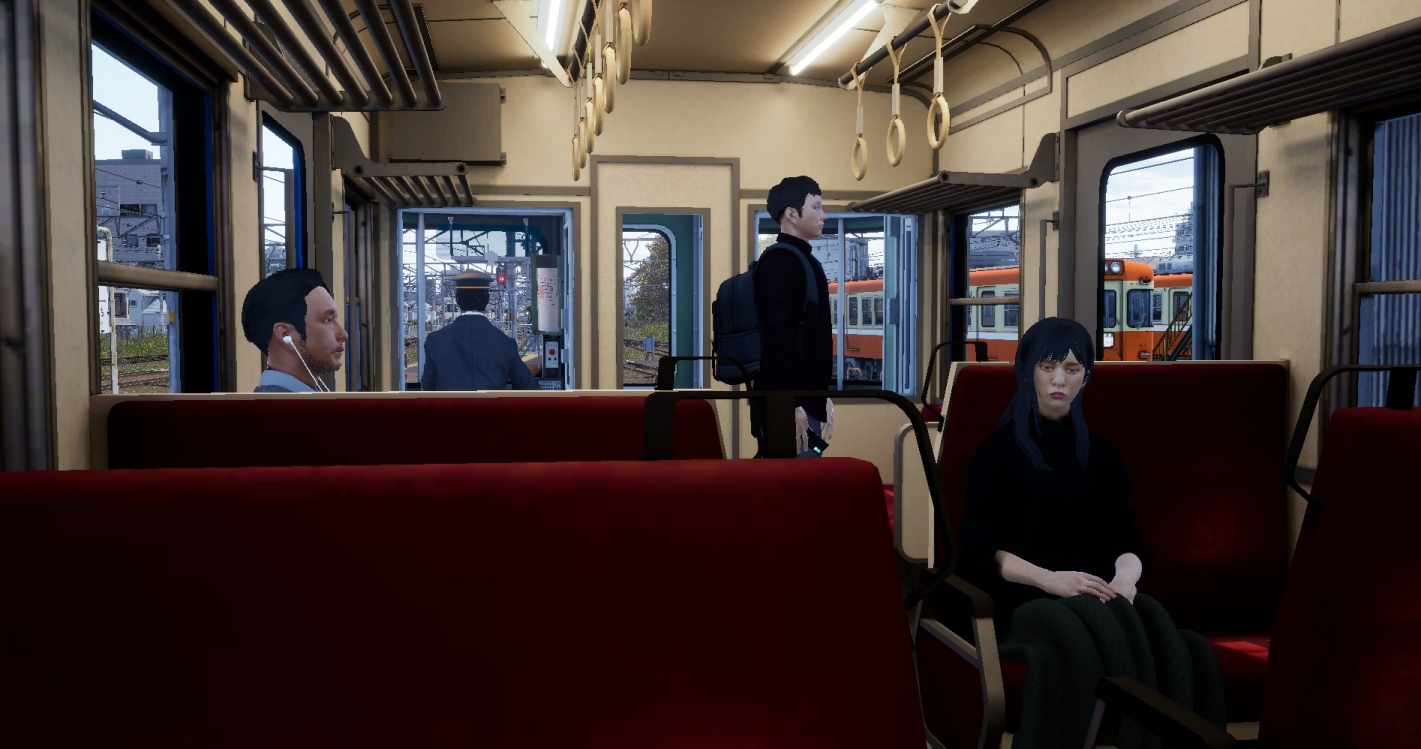
“Suck it up, sunshine! You’re a PC gamer with a penchant for sims. This sort of tweaking has always been part of the hobby.”. Yes, I realise that, but the range of tweakable things has grown so long of late, I think it’s high-time new approaches were trialed, or old ones – such as preview windows – reintroduced.
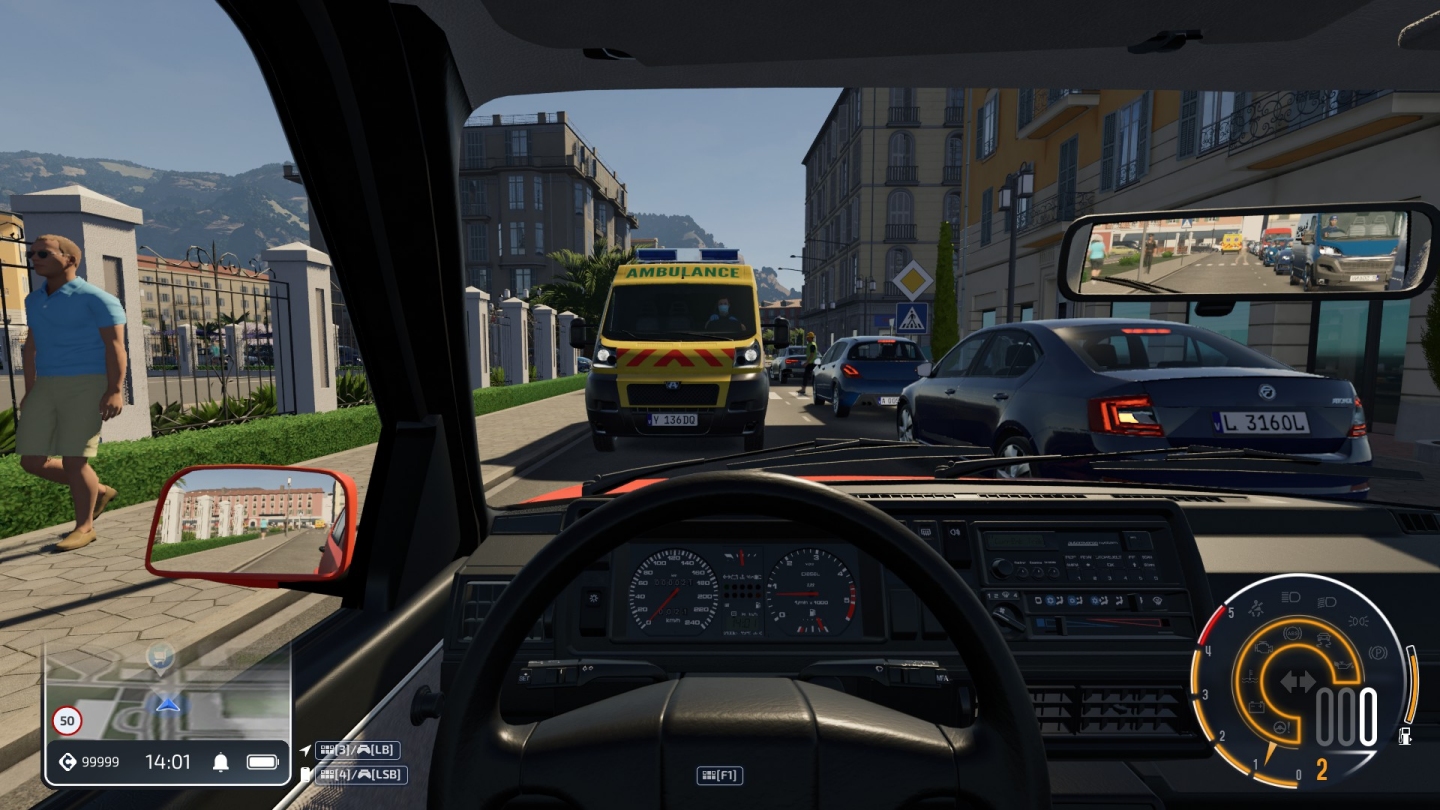
I’ll leave it to more technically savvy Cornerites to suggest viable alternatives to the current tiresome, text-heavy tweak-and-check orthodoxy. Are rolling demos with real-time, key-triggered settings changes practical? Are they preferable? Should Luddites like me simply be able to choose an image from a gallery of screenshots (all showing the same scene, natch) embellished with FPS impact advice? “That’s the look I’m after, and the frame-rate consequences appear acceptable”… one click, and, potentially, the lazy and the technophobic are good to go.
Readers, am I just an old geezer yelling at clouds, or are the graphics settings pages in PC games in need of a rethink?
If you use Nvidia graphics, their app can automatically set most games’ graphics settings for you based on a single performance/quality slider.
Now I’ve never used it though because I don’t like other people touching my things, so I can’t say how well it works. Maybe I should try it sometime though because I’m also getting less and less patient when it comes to fiddling with stuff just to enjoy my game/sim. It’s one of the main reasons my VR headset continues to gather dust.